
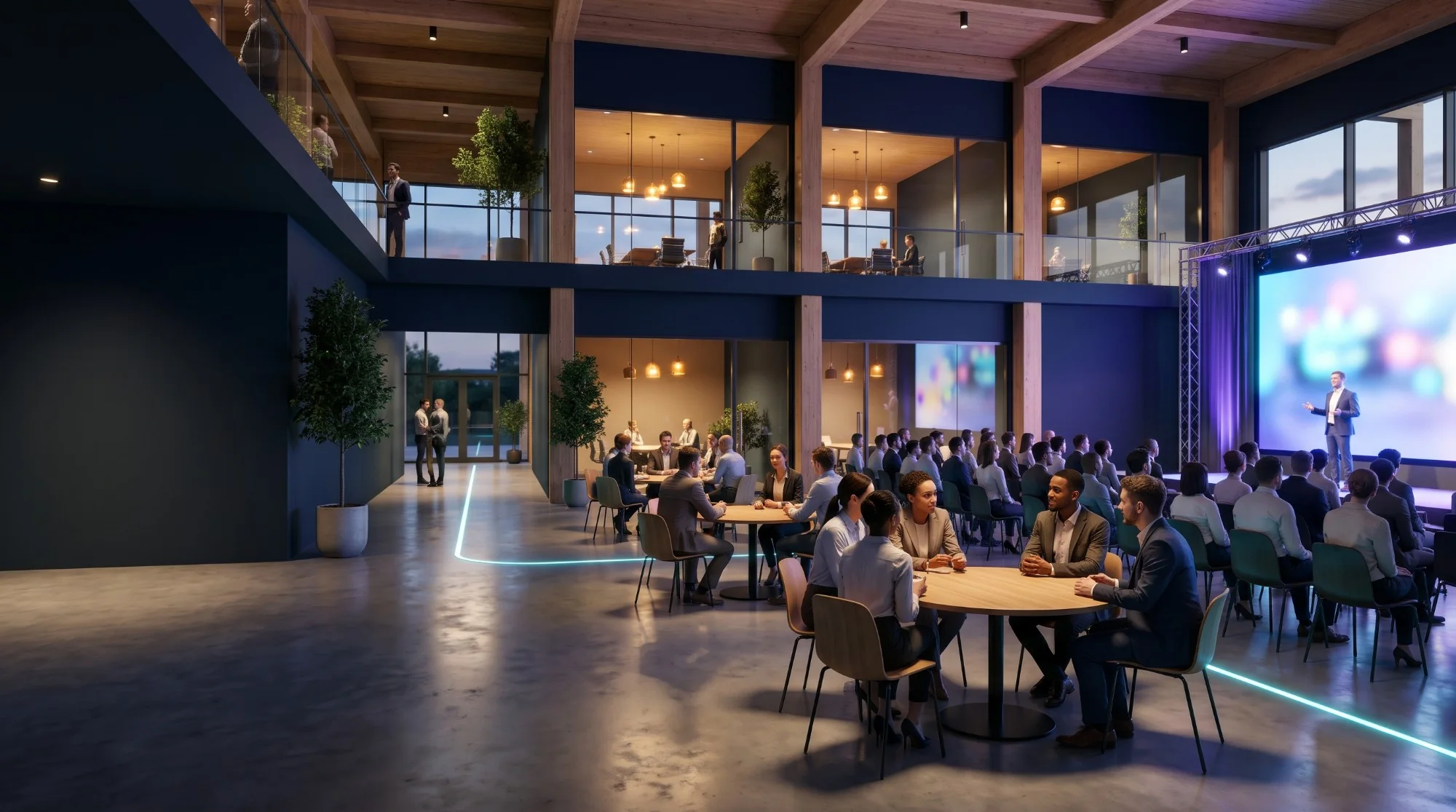
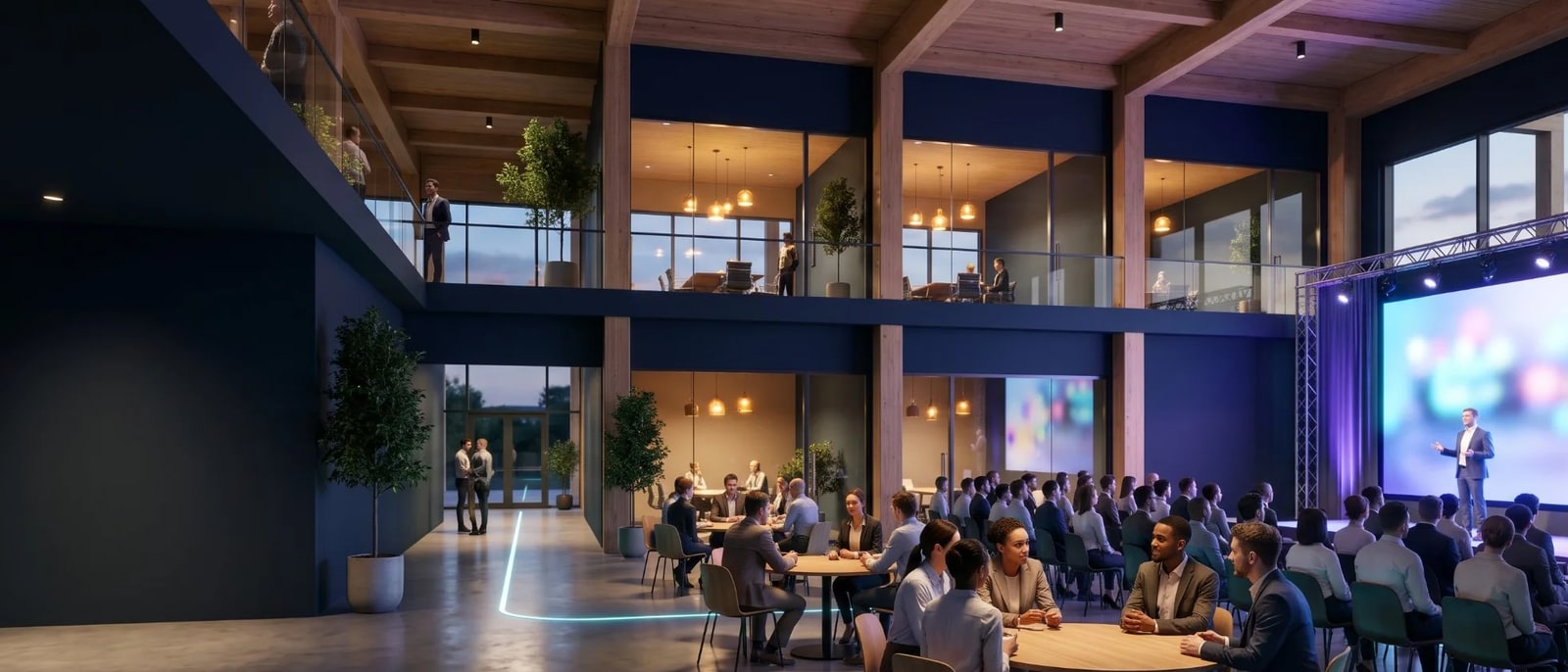
Host an event where every guest meets the right people
Pick a ready-made event space, publish in minutes, and run it online, in person or both. Guests share what they’re working on, and Connect seats them with the people worth meeting.
In the hall

Maya
Rebuilding checkout
Strong fit
Both working on checkout
20 minutes booked, 14:30
Online
Where the next meeting happens
Published events on Connect, in person, online and hybrid. Narrow them by when, where and what they are about.
 HybridHappening now
Sun 1 Nov, 20:57 GMT+2
Always Live, test venue
Place to be announced
Hosted by Javier Castro
Join lobby In person
Sun 15 Nov, 10:00 GMT+2
Production check: Studio wizard
Expo Tel Aviv, Pavilion 2
Hosted by Javier Castro
Get ticketOnline
Tue 24 Nov, 16:00 UTC
How to Start My Startup?
Online
Hosted by אמיר חיימפור
Join lobby
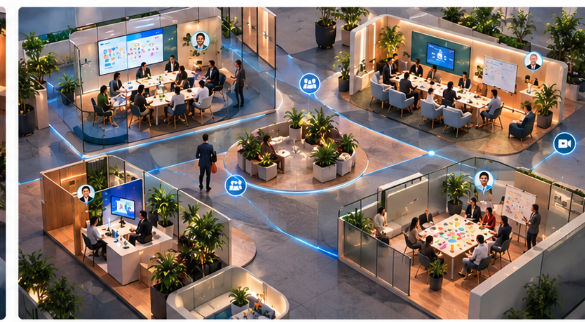
The whole event on one floor
You arrive on a floor, not in a video call. See where everyone is, and go where the conversation you came for is happening.
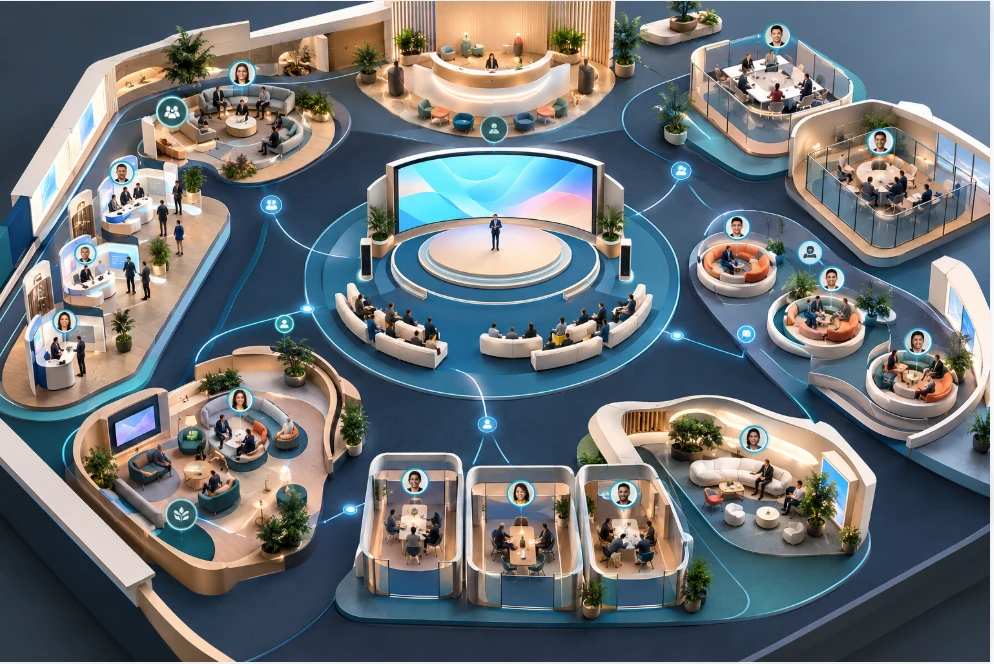
Watch the talk from the main stage
Sessions stream live. You watch with everyone else who is there, and you can see who they are while you listen.
Walk over and join a conversation
Between talks, take a seat at a table on a topic. Up to six people, on camera, the way you would pull up a chair in person.
Pull someone aside when it matters
Found the person you came for? Book a meeting and finish the conversation one to one, in your own video room.
Sit at a table, not in an audience
Every online and hybrid event has a lounge. Tables of up to six people, each on a topic. Take a seat and you are in that conversation. Stand up and take another seat when you are done.
Try a seat in the lounge- Who you talk to
- Webinar: The speaker, if your question gets read out
- Connect lounge: Up to five people at your table, on camera
- Choosing the conversation
- Webinar: One room, one stream for everyone
- Connect lounge: Every table has a topic. Pick one, switch any time
- Being seen
- Webinar: Camera off, name in a list
- Connect lounge: Face to face, the way a hallway works
- What you leave with
- Webinar: A recording
- Connect lounge: The people you met and what you said you would send
How a meeting happens on Connect
Before the doors open, say what you are working on
One sentence about what you are building, and whether you are looking for help or offering it. It takes about a minute.
What you are working on
Rebuilding checkout for a payments startup, testing it with real shops
Looking for design partnersPaymentsExample Meet the right people, in the hall or online
Connect ranks everyone at the event by how well your work fits theirs and tells you why. Say hello, or grab 20 minutes.

Dan
Joining online
Why you two: you both work on checkout
Example Afterwards, every meeting is in your network
The people you met, your notes, and what you said you would send, in one place, ready for the follow up.
Maya and Dan
Met at the table
- Intro to their payments lead
- Send the API docs on Thursday
Example
Built for the people who run the room
For organizers
- Publish an in person, online or hybrid event, with your own floor plan
- Sell online, onsite and hybrid tickets, or keep it free
- Set the agenda: sessions, times, speakers and tracks
- Bring registrations over from Luma and Eventbrite
For sponsors
- A booth in a named zone of the floor plan
- Badge scans that land straight in your lead list
- How busy your zone was, counted, never tracked by name
- Your leads exported as CSV, ready for your CRM
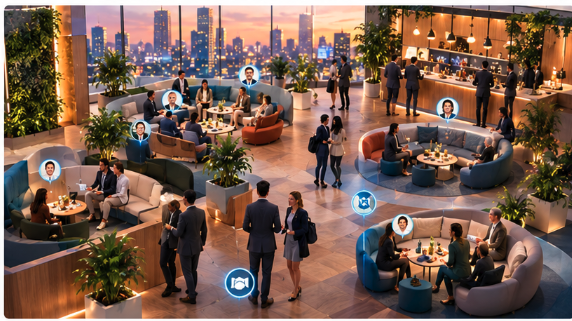
Tables by topic
Up to six people at a table, on camera. Sit down and you are in that conversation.
Rooms for the meetings people book
Two people who agree a time get their own video room for it, away from the floor.
FAQ
How do I create a digital event on BEXHUB Connect?
To create a digital event on BEXHUB Connect, choose Host an event, pick a ready-made template such as a conference, career fair or workshop floor, then add your event name, date, sessions and rooms. Once you publish, the event gets its own page where guests can join, see who else is coming and start networking before it opens. You can rename zones, set up sponsor booths and decide how many breakout tables and private meeting rooms the floor holds, so the template becomes your event rather than a copy of someone else’s.
Who can host an event on Connect?
Anyone can host an event on BEXHUB Connect, from a freelancer running a small workshop to a startup launching a product or a large company hosting a global conference. Company size and budget do not decide what you can run: every host works with the same floors, breakout tables, sponsor booths and networking tools. That makes it a practical way to promote yourself, your product or your community online without booking a venue, printing badges or flying people in.
How does networking work at a digital event?
Networking on Connect starts before the event: attendees share what they are working on, see who else is joining and why they should talk, and book meetings in advance. During the event they sit at breakout tables of up to six people or meet one to one in private rooms, on camera, then keep their follow-ups saved in one place afterwards. The point is networking with intent, fewer random chats and more conversations with the people who match what you came for.
Is it free to join an event?
Many events on BEXHUB Connect are free to join. When a host sells tickets, the event page shows the price before you register. You browse upcoming digital events, open the one you want, and see who is already joining before you register. From there you can send a note, book a meeting and take part in the sessions and networking tables from your laptop at home, with no travel involved. Each host designs their own floor, so the sessions, rooms and guest list you see depend on the event you pick.
Can I host a hybrid event?
Yes, you can host a hybrid event on Connect, where part of the audience sits in a physical venue and the rest joins online on the same event floor. Remote guests see the same stage, take seats at the same breakout tables and book the same meetings, so people at home network with people in the room instead of watching from the side. It is the simplest way to grow an existing in-person event beyond the size of its venue.